PyInstaller onefile vs onedir (Windows): what to choose
A practical, developer-focused comparison: startup time, troubleshooting, antivirus false positives, and distribution.
A clean, practical GUI for PyInstaller workflows—designed for speed, clarity, and repeatable builds. Package Python apps into Windows executables with a polished interface and a workflow you can trust.
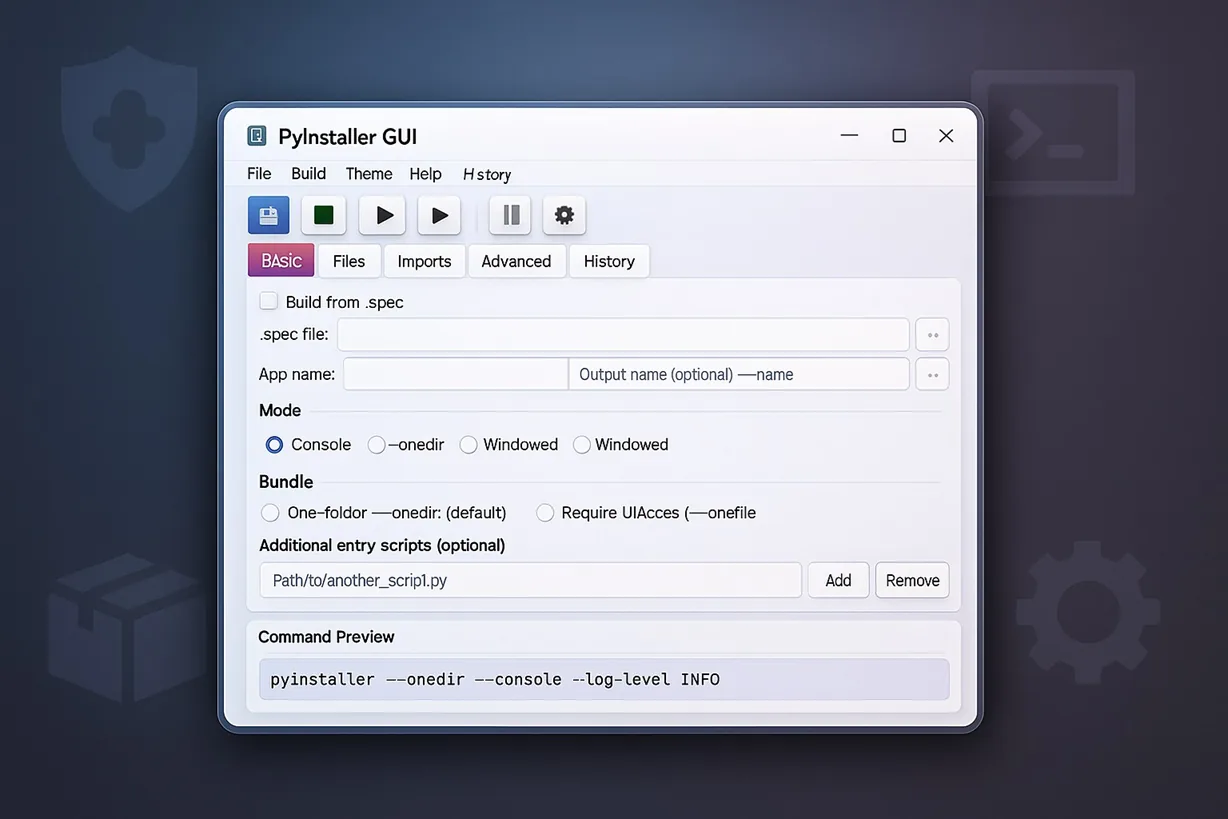
PyInstaller CLI is powerful, but daily packaging work is often repetitive: flags, paths, data files, icons, and output settings. This app gives you a clear interface to manage builds consistently and reduce human error.
Keep your configuration organized so you can rebuild quickly—without retyping long commands.
Focus on shipping the app, not wrestling with tooling. The interface helps you move from source to EXE smoothly.
Build outputs you can distribute: executables with proper packaging patterns for Windows users.
Browse the UI screens. Use the arrows to navigate, or click any image to open a larger preview.
Tip: Hover or interact to pause auto‑scroll.
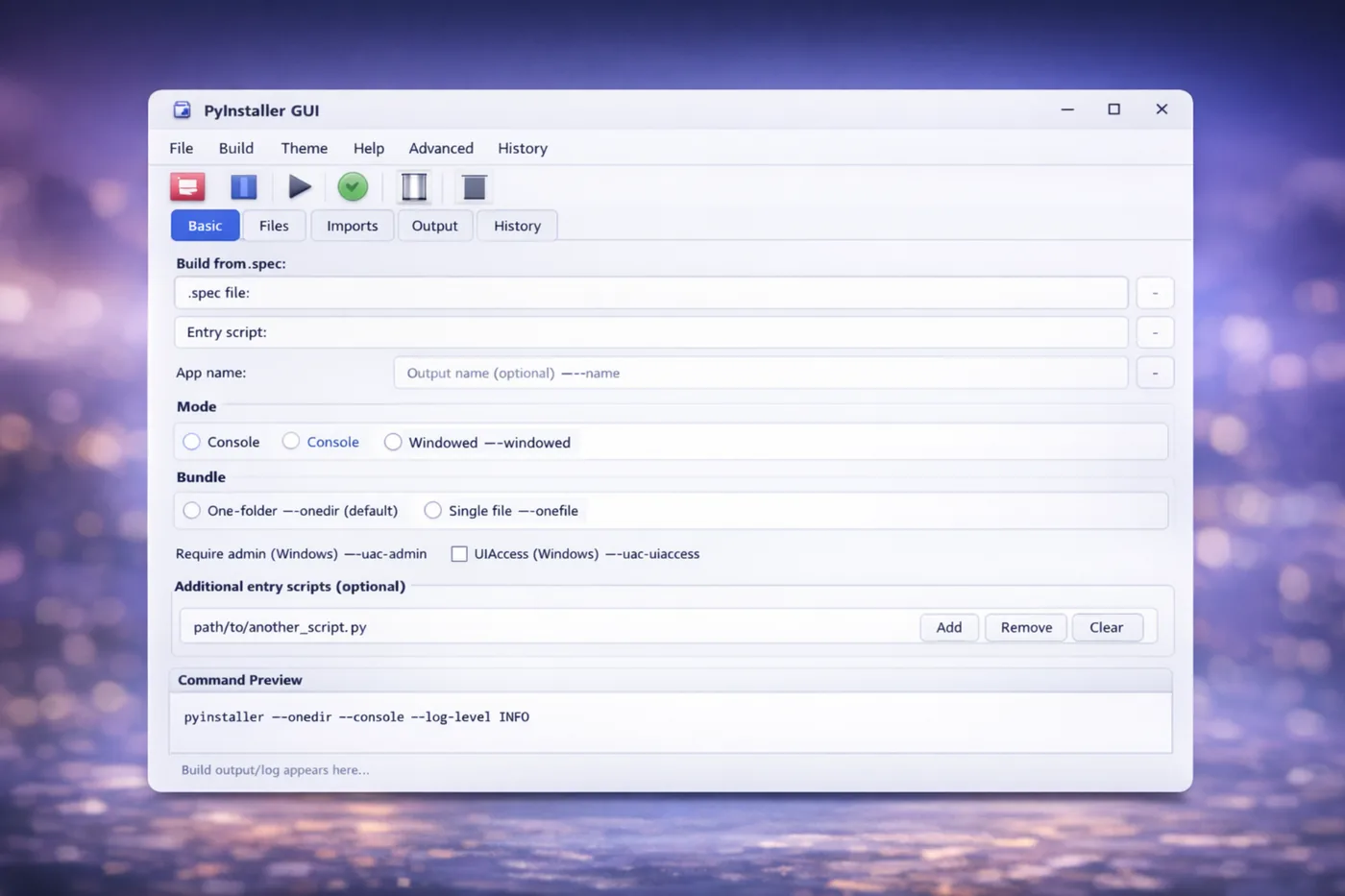
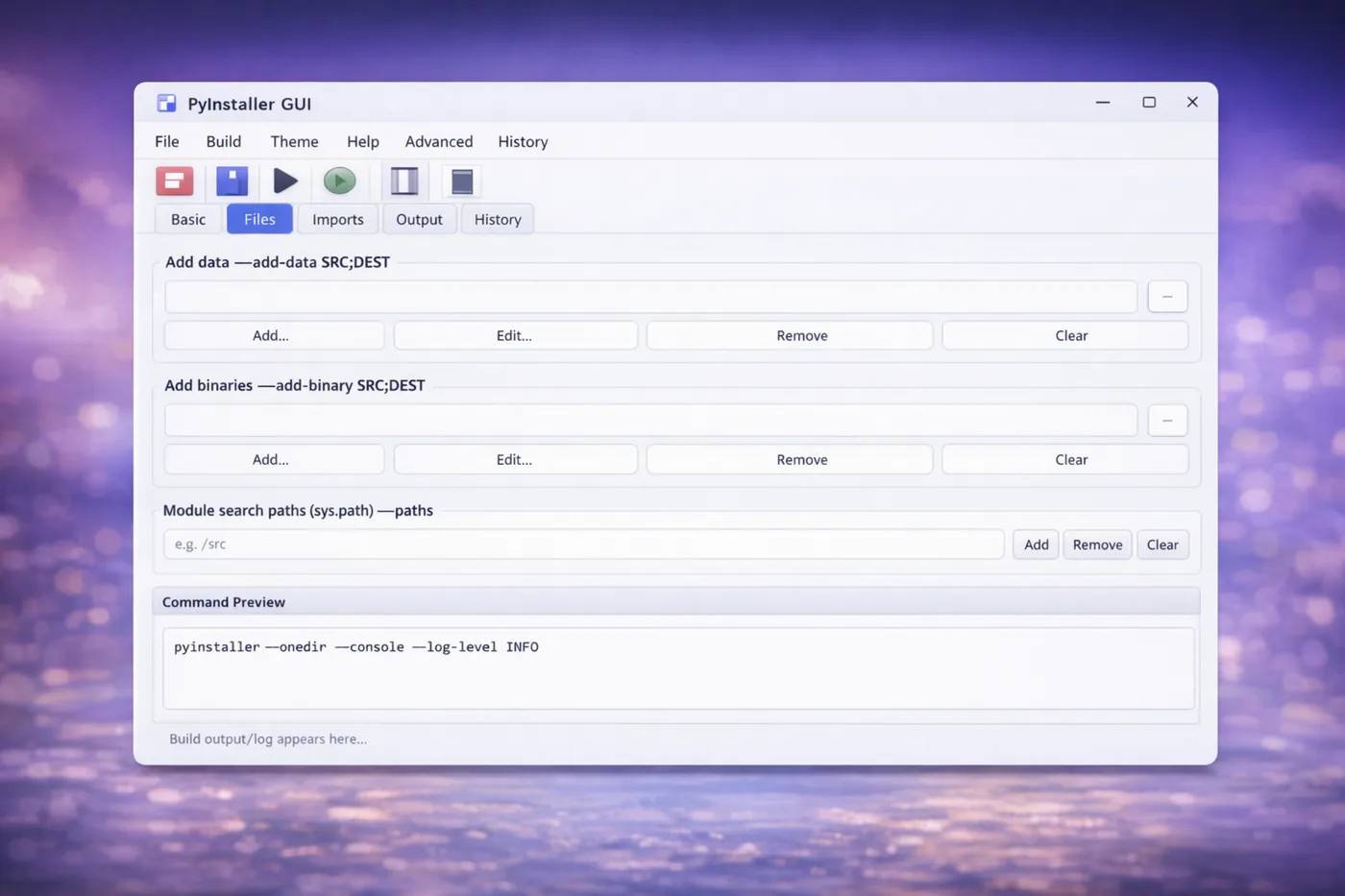
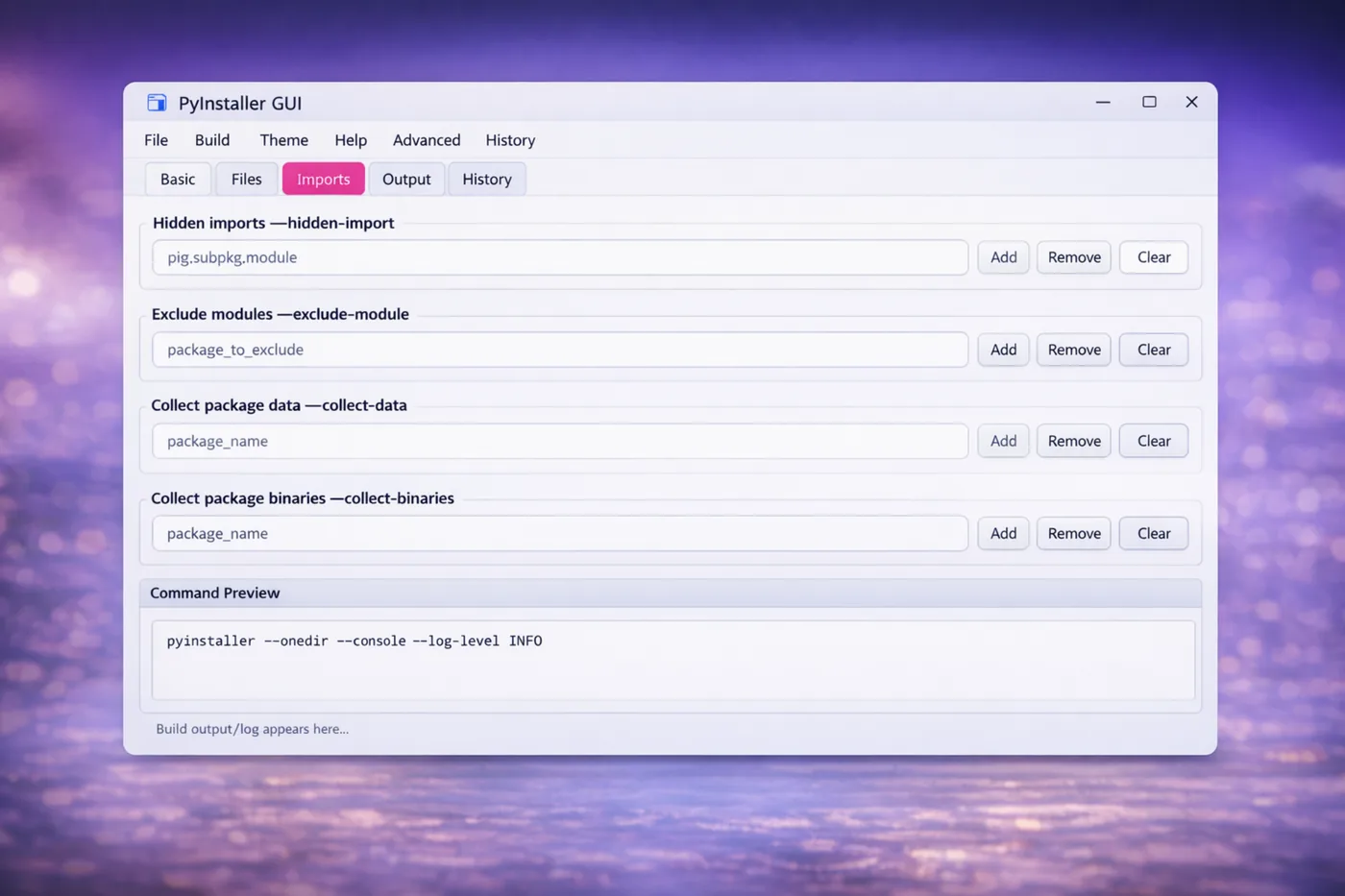
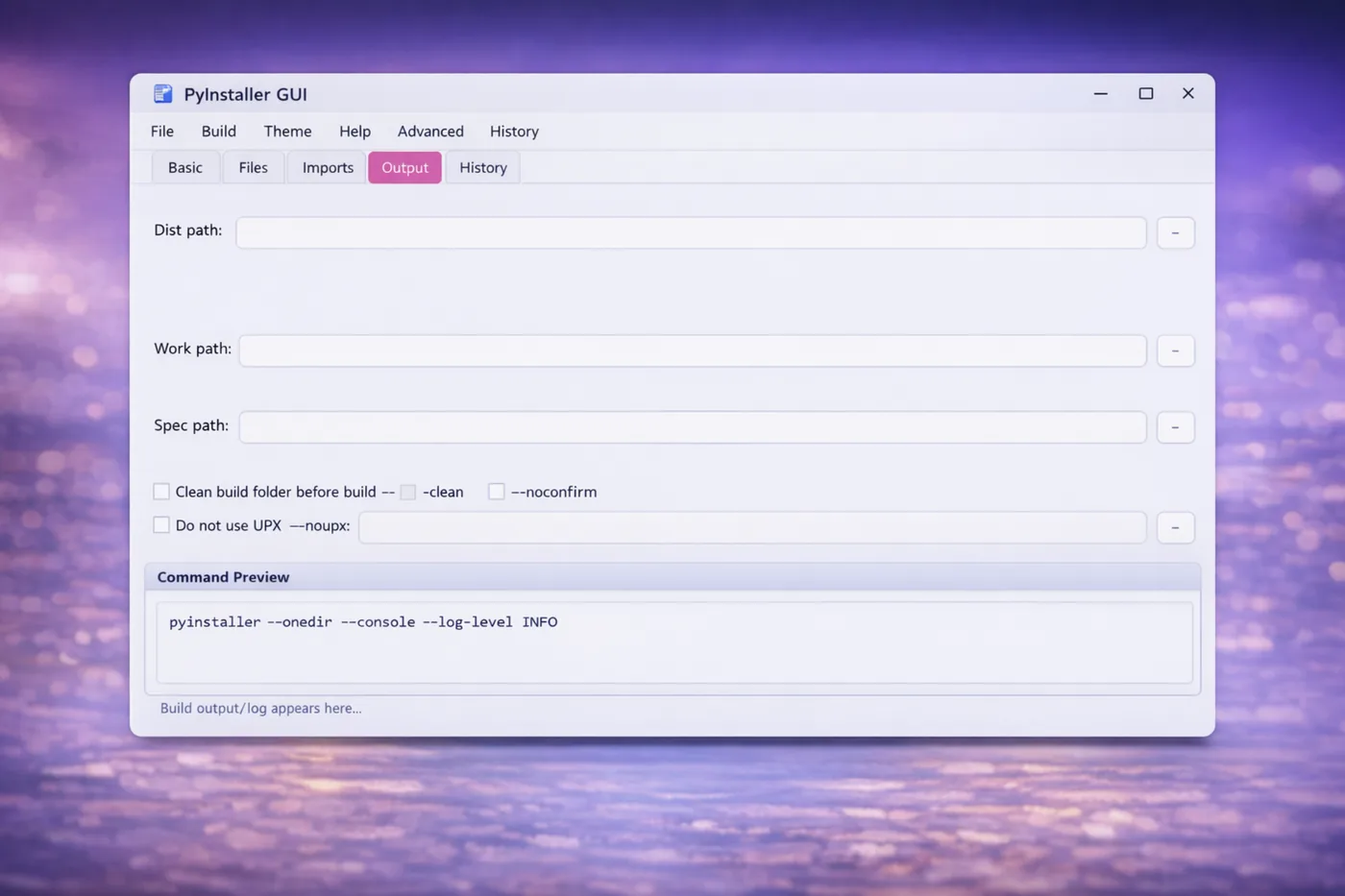
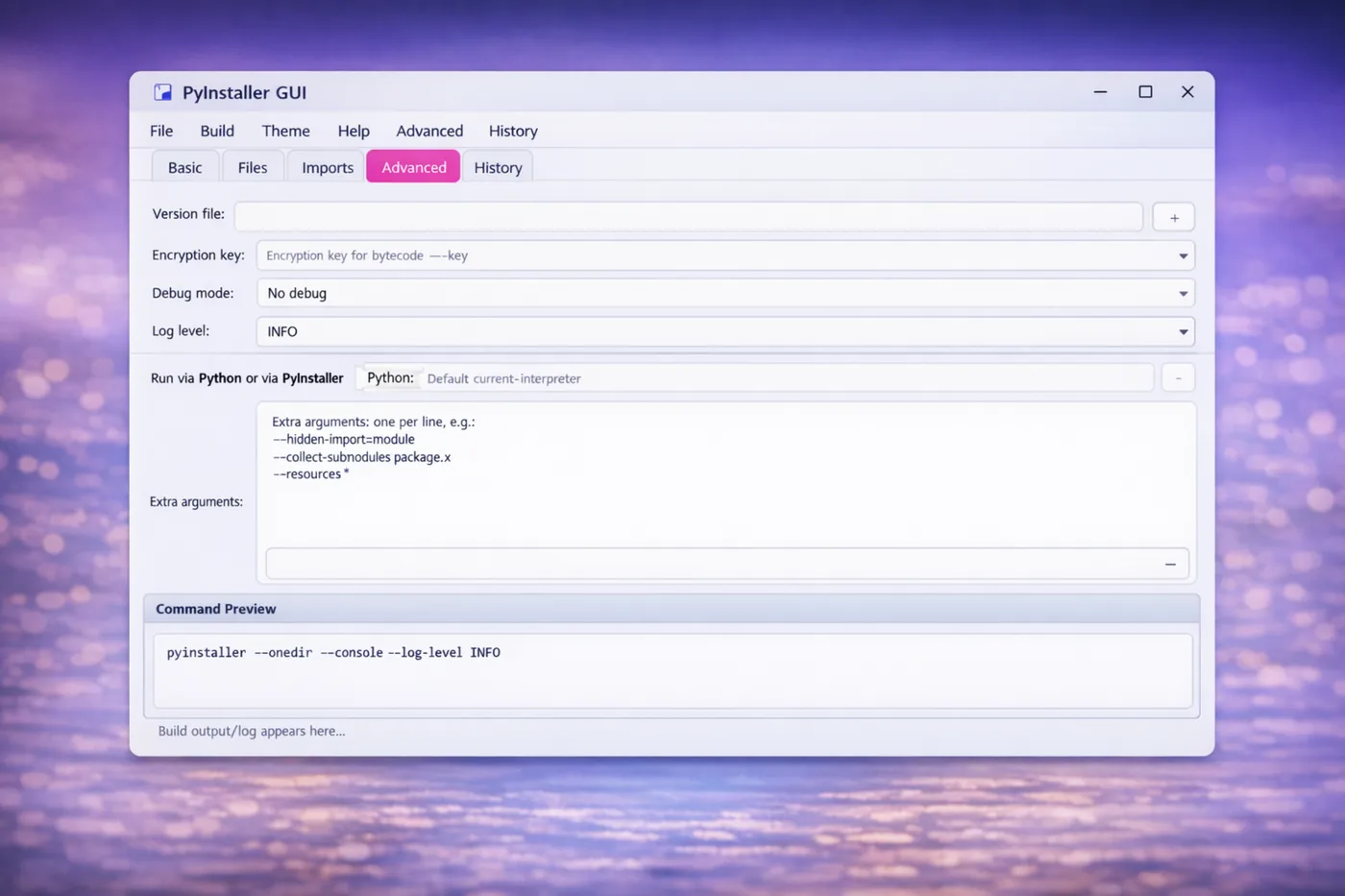
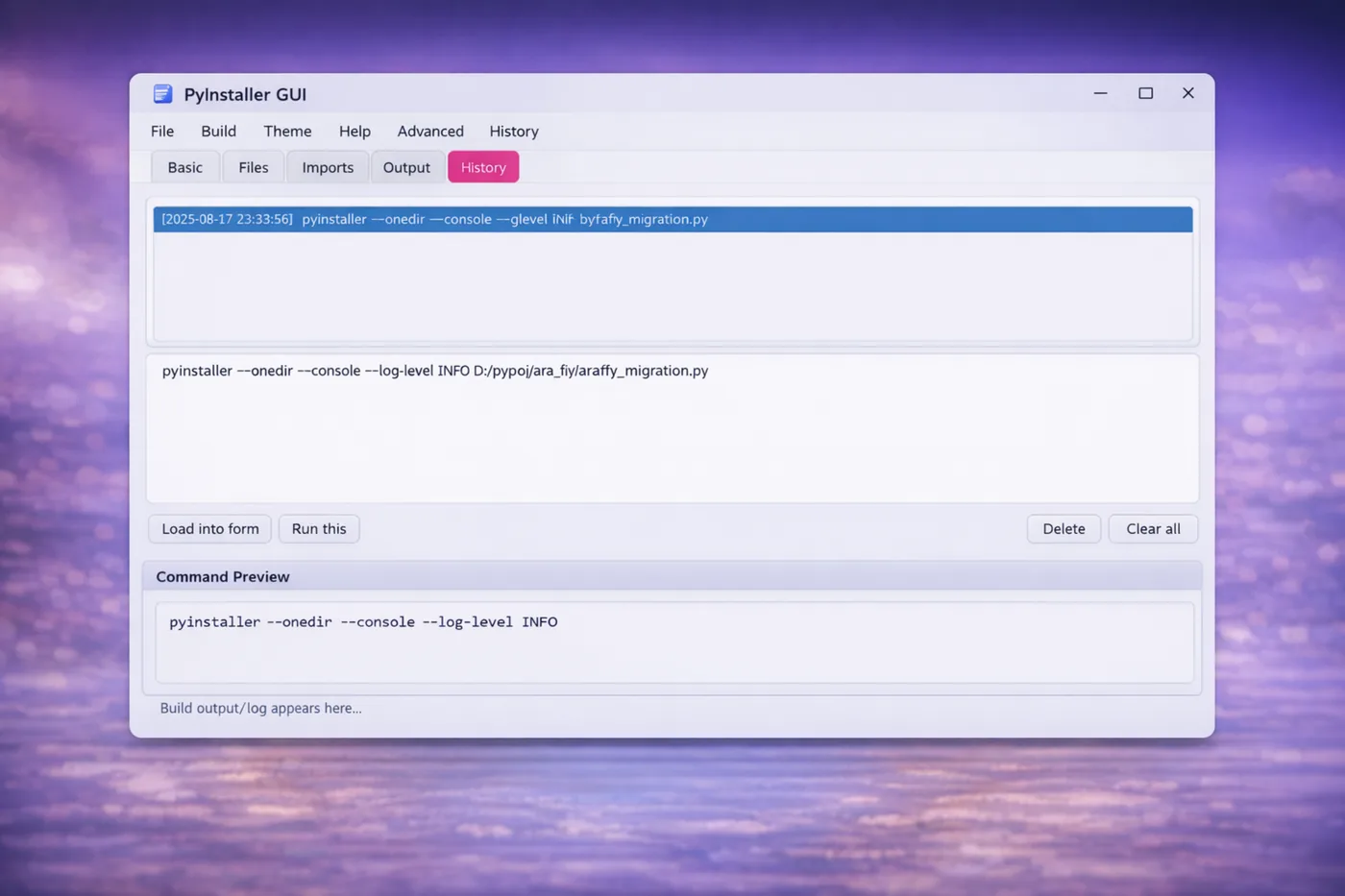
Practical, field-tested notes to help you package faster, avoid common mistakes, and ship cleaner Windows executables. New guides are added regularly.
A practical, developer-focused comparison: startup time, troubleshooting, antivirus false positives, and distribution.
Hidden imports, Qt plugins, icons, and the pitfalls that cause blank windows or missing DLL errors.
Ship images, configs, models, and templates safely; fix path issues at runtime with a clean pattern.
Quick answers to common questions. For detailed troubleshooting, check the Guides section.
This landing page does not collect personal data. For the app itself, please follow the Microsoft Store listing and the privacy policy associated with the publisher account. If you need help, contact sn.moosavi@gmail.com.
Designed for Windows 10/11.
Email us at sn.moosavi@gmail.com. For frequent issues and fixes, see PyInstaller Guides.
It depends on startup speed and distribution needs. We cover practical trade-offs in this guide.
Yes. Packaging GUI apps needs correct hooks and resources. Start with this PyQt6 guide.
If you run into packaging issues or need guidance for a specific scenario, reach out. We usually reply quickly.